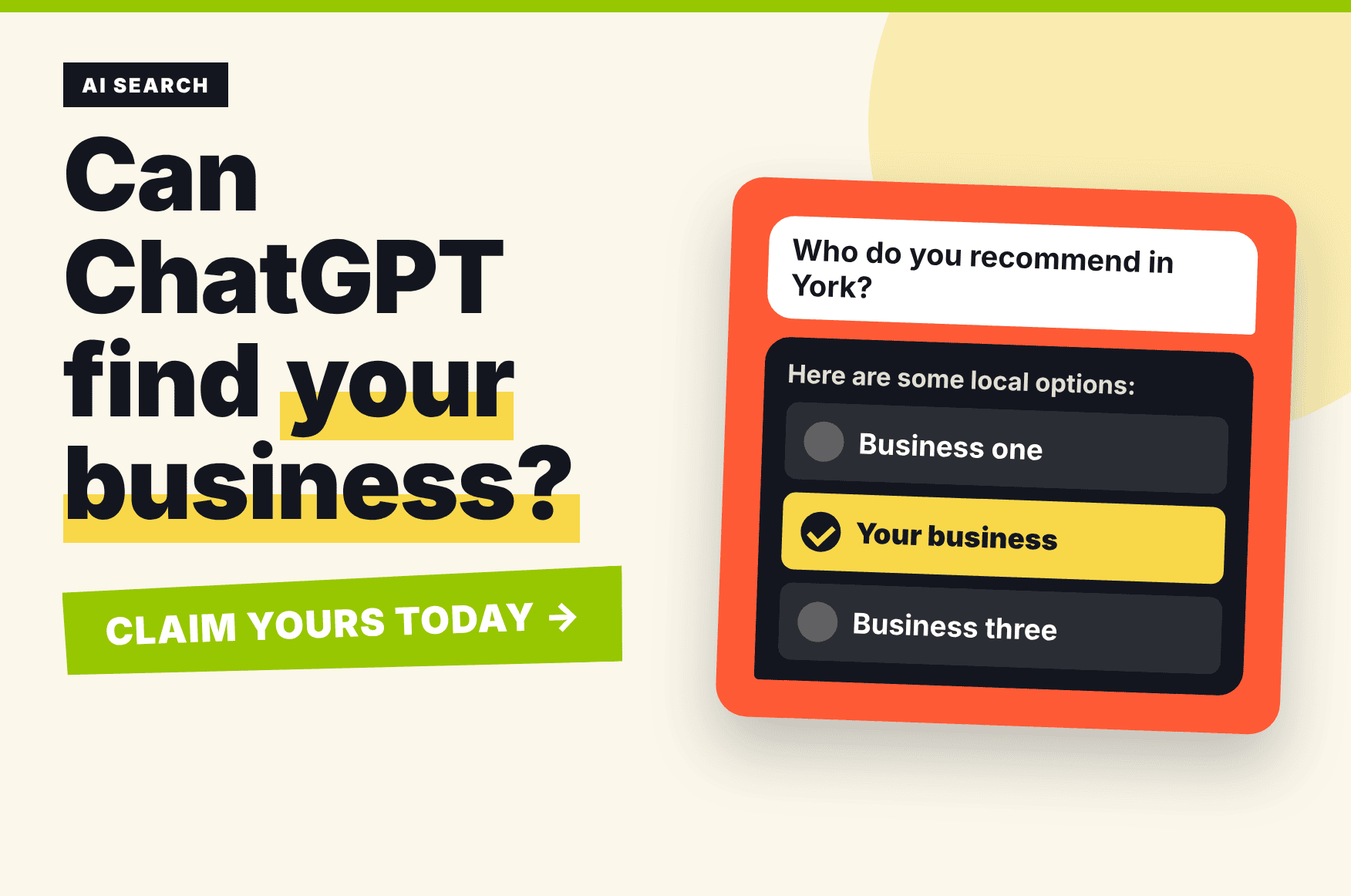
Claiming your business on ChatGPT is now possible, and it’s worth knowing how. Ask ChatGPT for a recommendation and it will give you one: a web designer, a plumber, a printer, a solicitor. People are doing this every day, and the businesses that get named pick up enquiries they never had to chase.
Until recently, you had no say in what ChatGPT knew about your business. Now you do. OpenAI has launched Business Hub, a free (and still in beta) way to claim your business and tell ChatGPT the facts, straight from you.
What is it?
Business Hub is a dashboard inside ChatGPT. You find your business, prove it’s yours, and then you can add your website, description, category and logo. ChatGPT uses that information when it talks about you, and you can see how often your business is mentioned and how many people click through to your website.
Think of it as Google Business Profile, but for ChatGPT.
Is it available in the UK?
This is the bit to be honest about. It’s a beta, and OpenAI is rolling it out in stages. At launch, online businesses with a website could claim their listing wherever ChatGPT is available, but claiming a local shop or restaurant listing was limited to the US. Some businesses will find they can’t claim yet. If that’s you, don’t panic. Check back, because this is changing fast.
How to claim your business
- Sign in to ChatGPT with an account your business controls. Use a business login, not something personal that could walk out the door with a member of staff.
- Open Business Hub from the sidebar (or go to chatgpt.com/business-hub) and search for your business.
- Prove it’s yours. You’ll be offered a code sent to your business phone or email, or a small DNS record added to your domain. It only shows the options that fit your business.
- Verify who you are. You’ll need to do a quick identity check with photo ID. You have to be the owner or someone authorised to act for the business.
- Fill in your profile. Add your website, a clear description, your category and your logo. OpenAI reviews changes before they go live, so it can take a little while.
- Check your insights. After a few weeks you can see mentions, profile views and website clicks.
If someone else has already claimed your business, there’s an option to dispute ownership.
Will it get me more customers?
Not on its own, and OpenAI says as much. Claiming your business doesn’t guarantee a higher spot in ChatGPT’s answers. What it does is make sure the information is right, and it puts you in the game.
What really gets you recommended is the same thing that gets you found on Google:
- A clear, well-written website that says exactly what you do and where you do it
- Consistent details everywhere: your name, phone number and email address matching on your website, Google Business Profile and social pages
- Genuine reviews from happy customers
- Helpful content that answers the questions people actually ask
ChatGPT builds its answers from what it can find and trust. The clearer you are online, the easier you are to recommend. It’s the same thinking behind our SEO work.
What to do this week
- Check whether you can claim your listing in Business Hub
- Match up your contact details across your website and profiles
- Read your own website through a stranger’s eyes. Could someone tell what you do and who you do it for in ten seconds?
Want a hand?
Not sure where you stand? We’ll run a free check of your website and show you what’s helping and what’s holding you back. Give James a ring on 0797 31 41 371 or email james.dickinson@nettl.com.
Over to you
Have you tried claiming your business on ChatGPT yet? Tell us how you got on in the comments.
Business Hub is in beta and details are changing quickly, so check OpenAI’s own information for the latest on eligibility in your area.