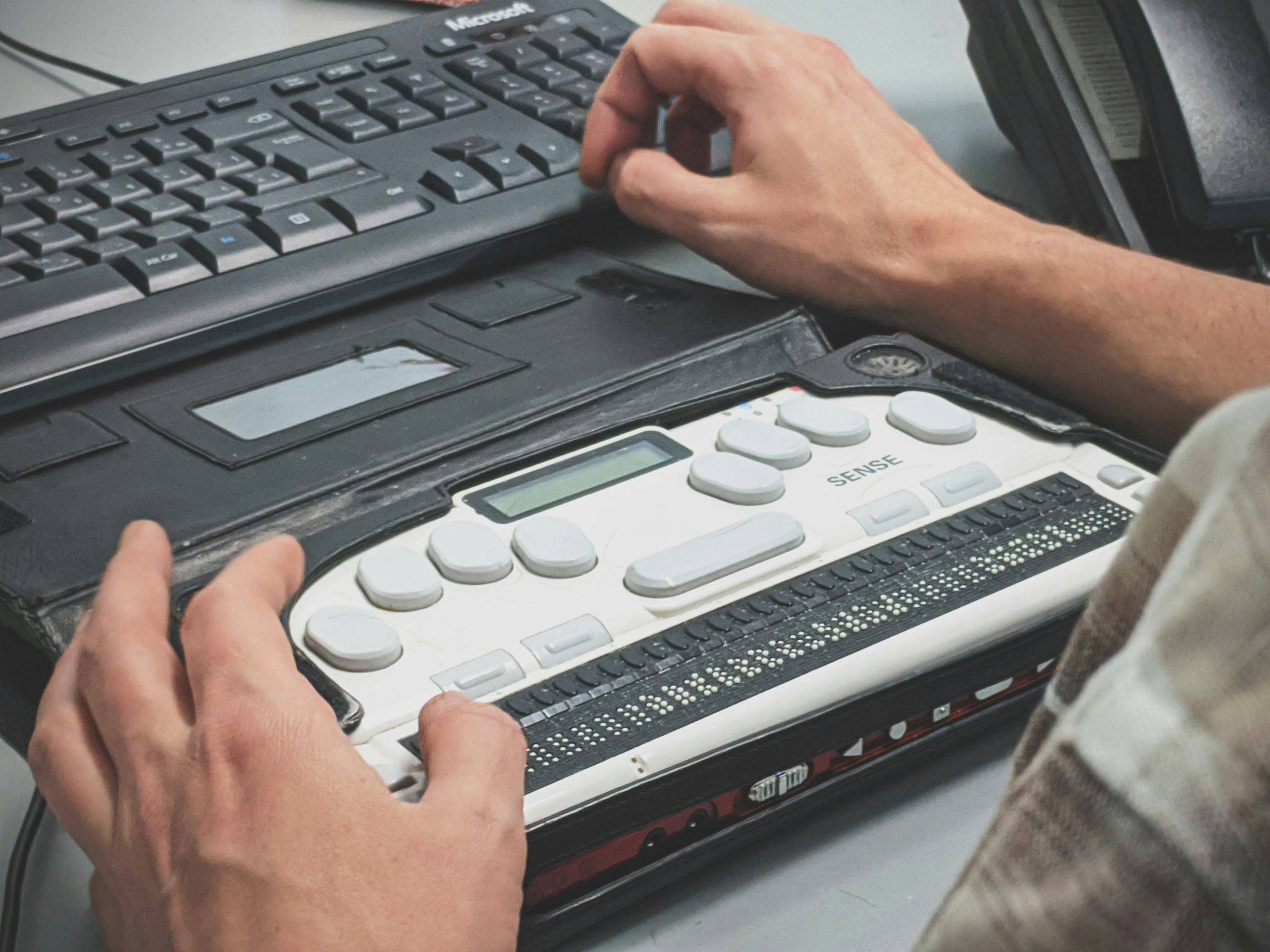
Think about all the different people who might visit your website. Someone with poor eyesight. Someone who can’t use a mouse. Someone using a screen reader. Someone on a cracked phone screen in bright sunshine. Accessibility is about making sure your website works for all of them.
It’s not a niche concern. A large number of people in the UK live with a disability, and many more have temporary or situational needs. Making your site accessible opens your business up to more customers – and usually makes it better for everyone.
The standard to aim for
The recognised guidelines are called WCAG (Web Content Accessibility Guidelines). The current version is WCAG 2.2, and most organisations aim for level AA. You don’t need to memorise them, but it’s worth knowing they exist. Businesses also have a duty under the Equality Act not to disadvantage disabled customers, and that can include online services.
Quick wins
Here are some of the most common problems we see, and how to fix them.
Colour contrast
Light grey text on a white background might look stylish, but it’s hard to read. Make sure there’s enough contrast between text and background – the guidelines recommend a ratio of at least 4.5:1 for normal text.
Alt text on images
Alt text describes an image for people who can’t see it. Keep it short and describe what matters: “Our team outside the shop on Blake Street” is far more useful than “IMG_4032”. Purely decorative images can have empty alt text.
Proper headings
Use headings in order (one main heading, then subheadings) rather than just making text bigger and bolder. Screen reader users often jump between headings to find what they need.
Links that make sense
“Click here” tells nobody where they’re going. “Download our price guide” does.
Keyboard friendly
Try using your website with just the Tab and Enter keys. Can you reach every link and button? Can you see where you are on the page?
Forms with labels
Every form field needs a clear label, not just placeholder text that disappears when you start typing. Error messages should explain what went wrong and how to fix it.
Videos with captions
Captions help people who are deaf or hard of hearing – and the many people who watch videos with the sound off.
Build it in from the start
Accessibility is much easier (and cheaper) to build in from the beginning than to bolt on afterwards. Every website we design is built with accessibility in mind. If you’d like us to check your current site, just ask.