
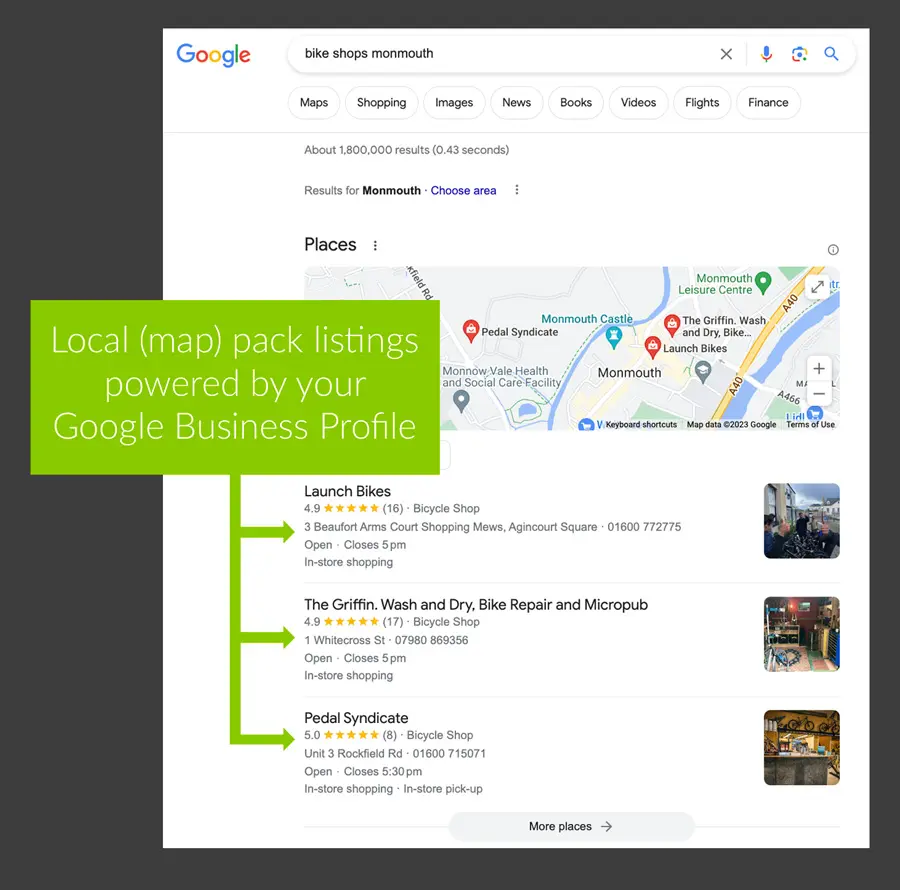
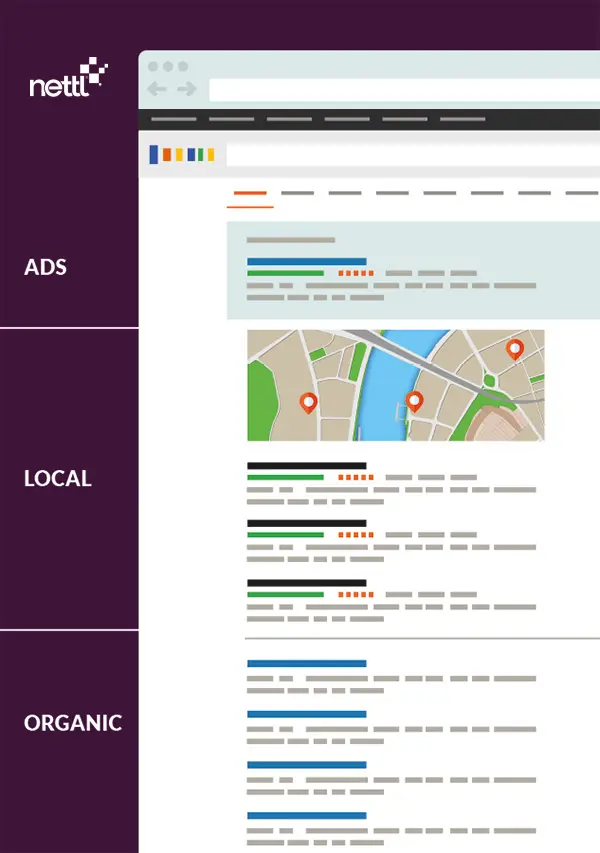
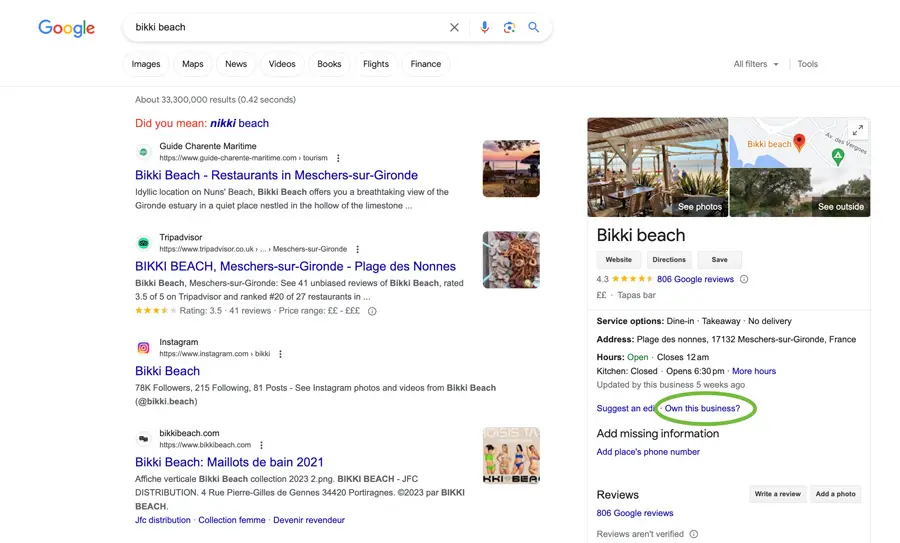
Search for “coffee near me” or “printer in York” and what do you see first? Usually a map, with a handful of businesses underneath.
Those listings come from Google Business Profile. It’s free, it takes a little time to set up, and it can put you in front of people who are ready to buy.
Here are five simple steps to make yours work harder. No jargon, we promise.
First, why does it matter?
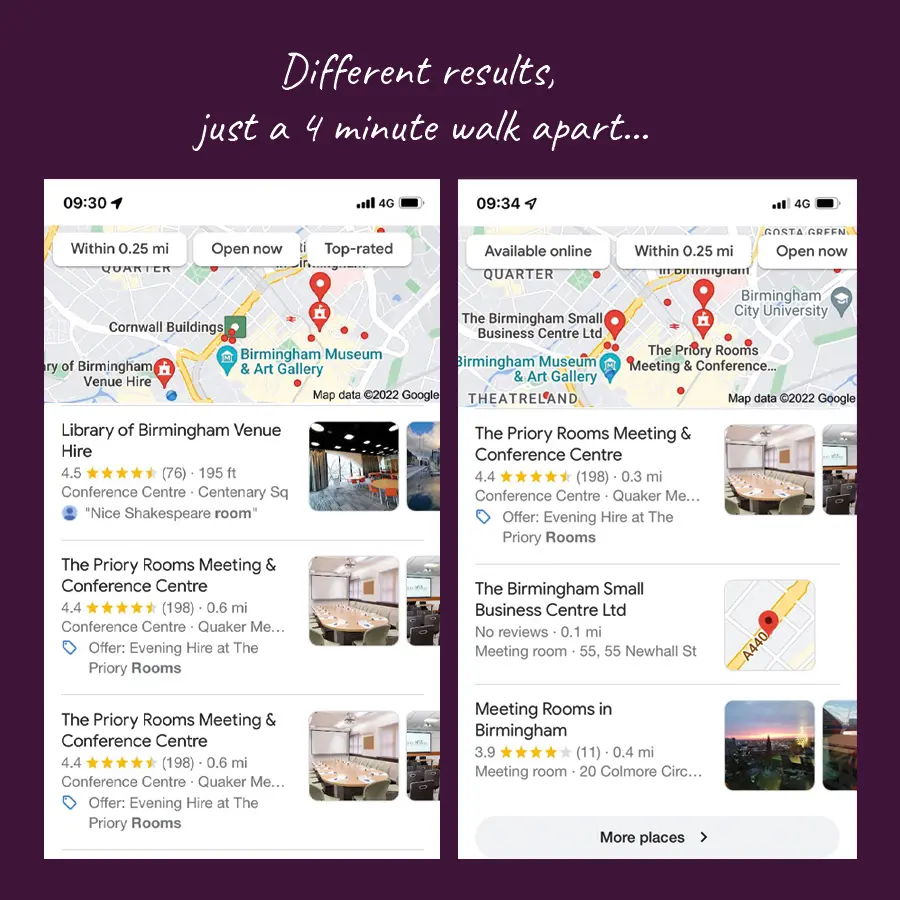
Local search is still one of the main ways people find businesses near them. A good profile helps you show up on the map, and it gives people your opening hours, photos, reviews and phone number before they’ve even visited your website.
It works alongside your website rather than replacing it. Think of it as your shop window on Google.
Step 1: Fill in every section
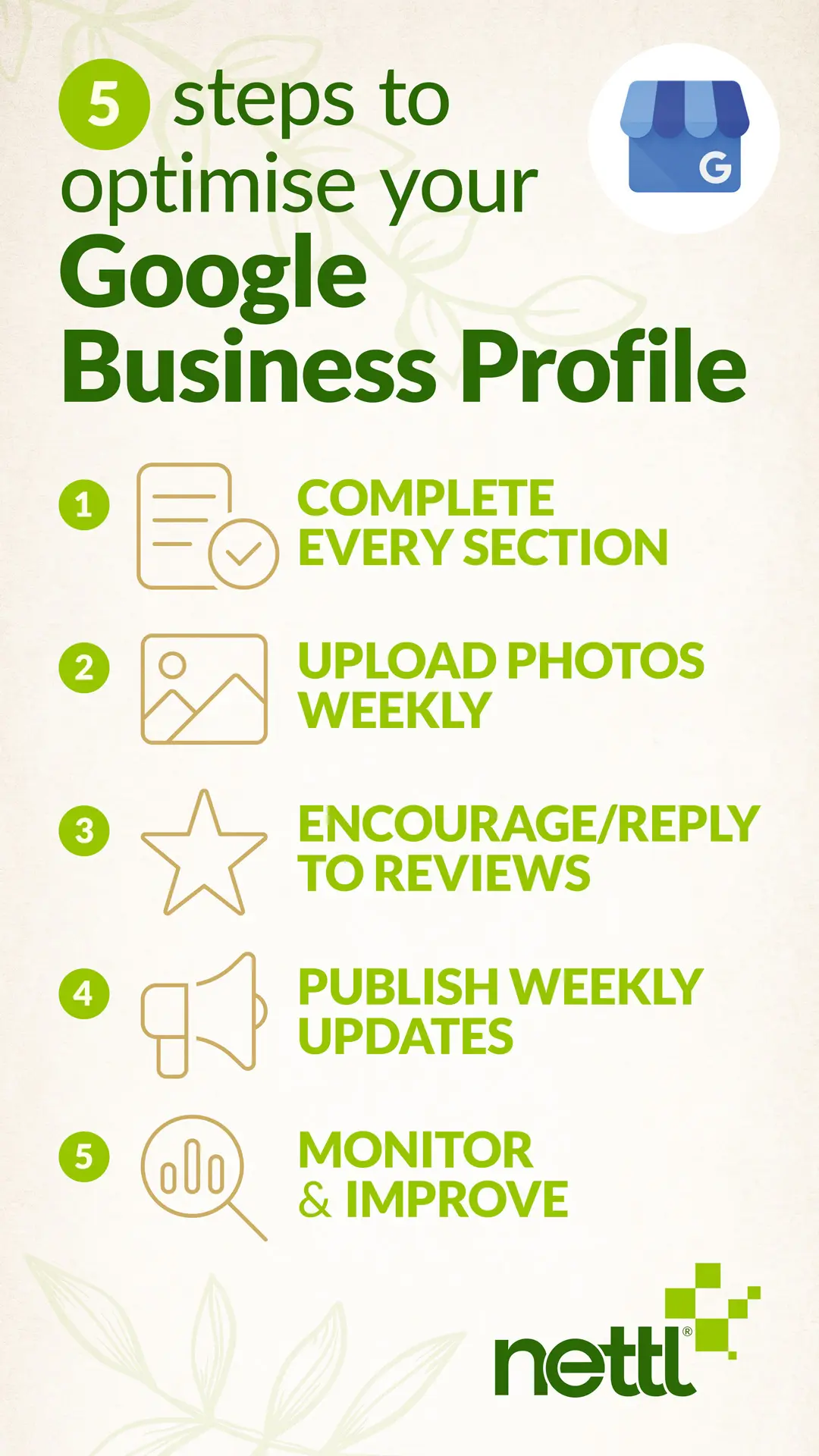
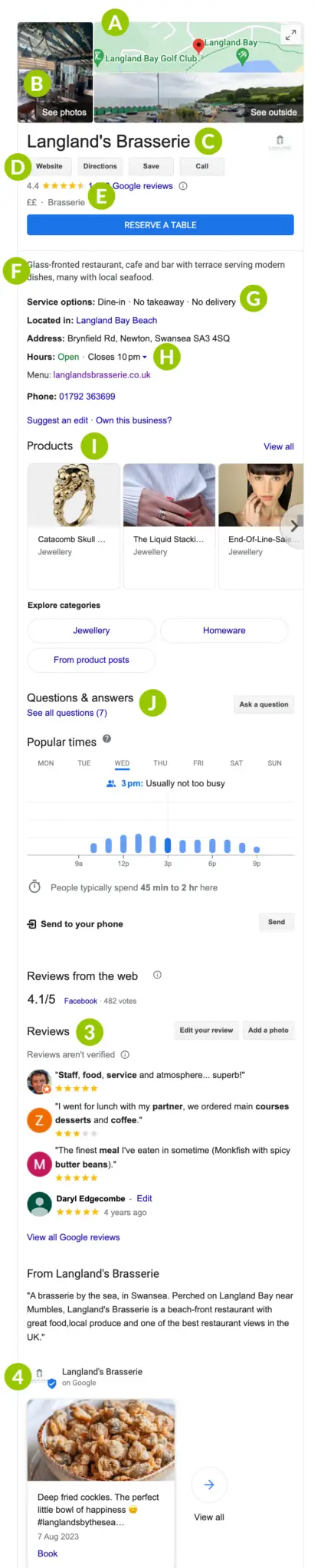
A half-finished profile is a missed chance. Go through every section that applies to you:
- Business name and location
- Category, plus any extra categories that fit
- Services and attributes
- Opening hours
- Products
- A short, friendly description of what you do
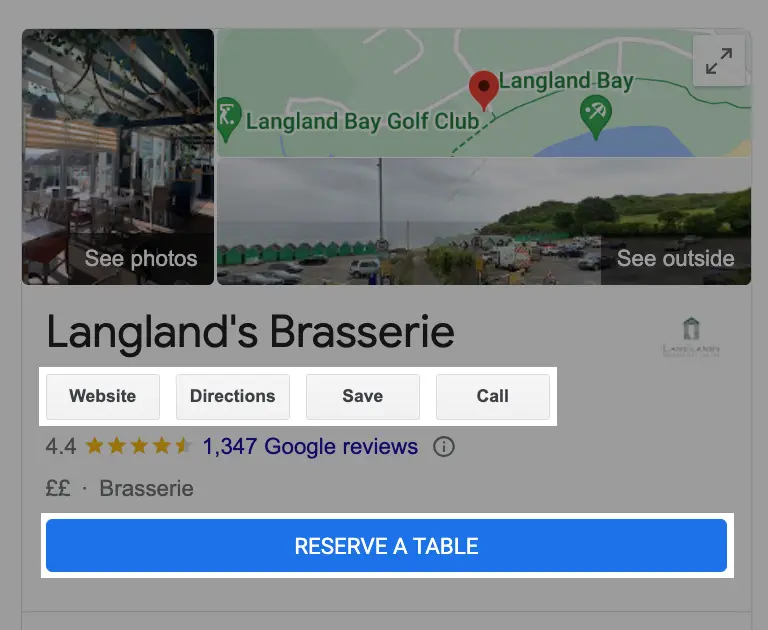
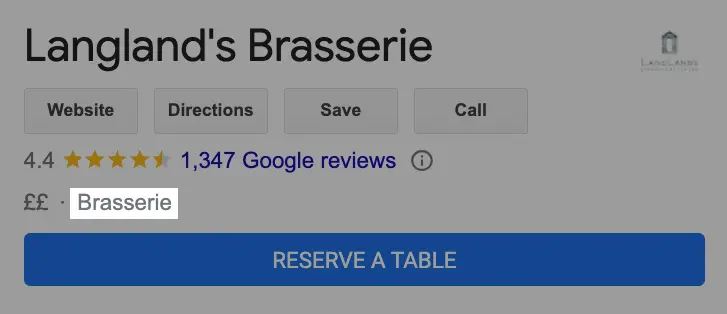
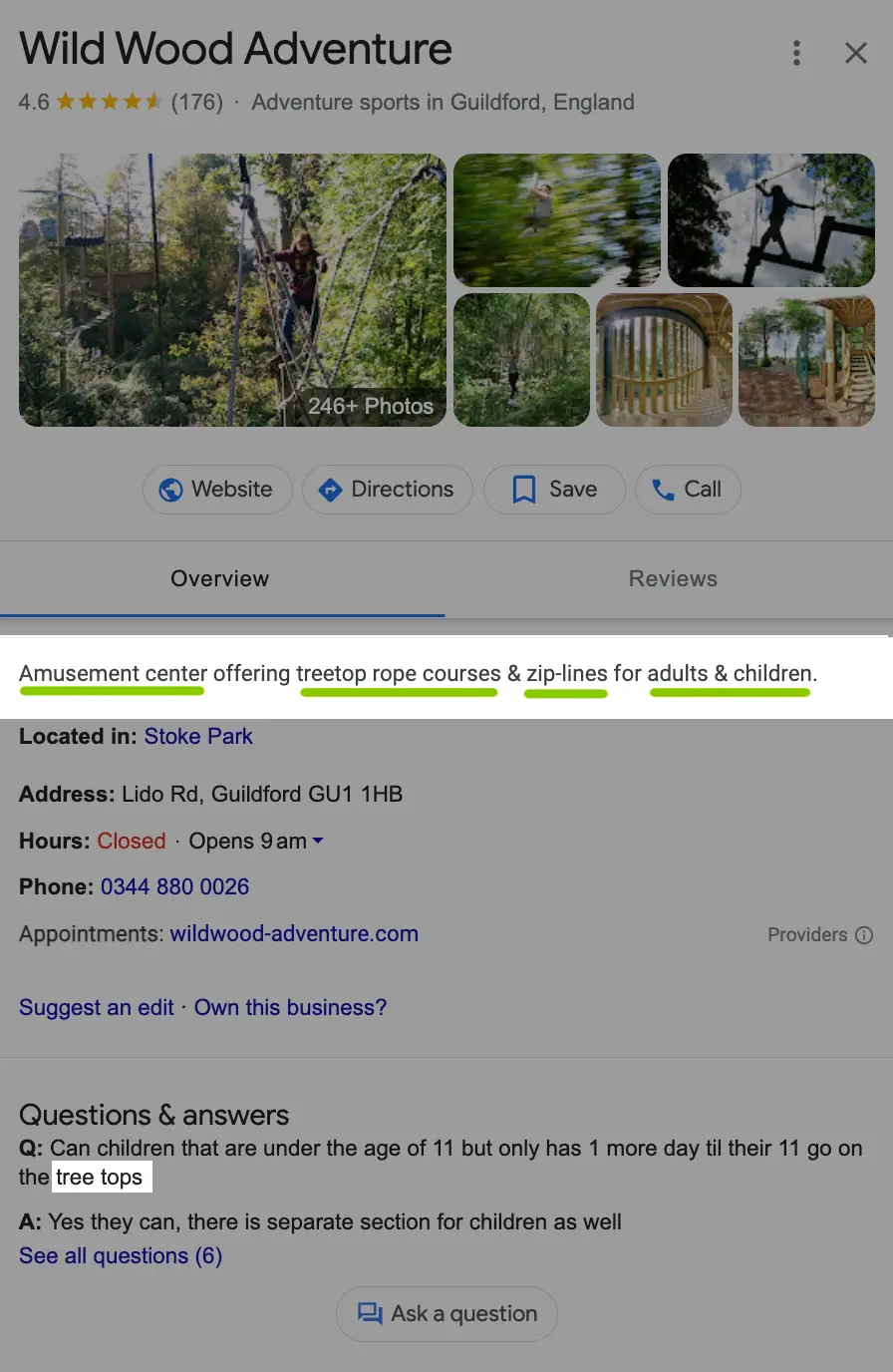
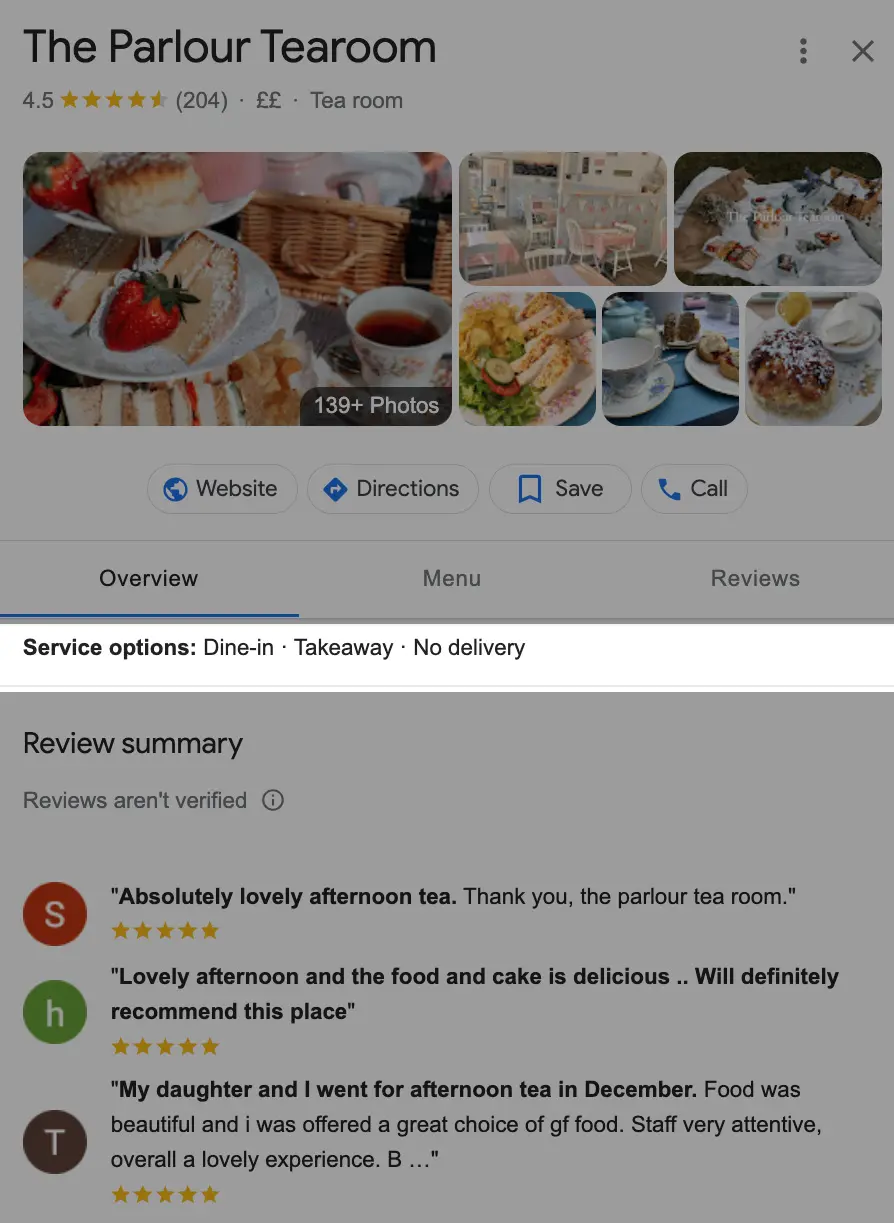
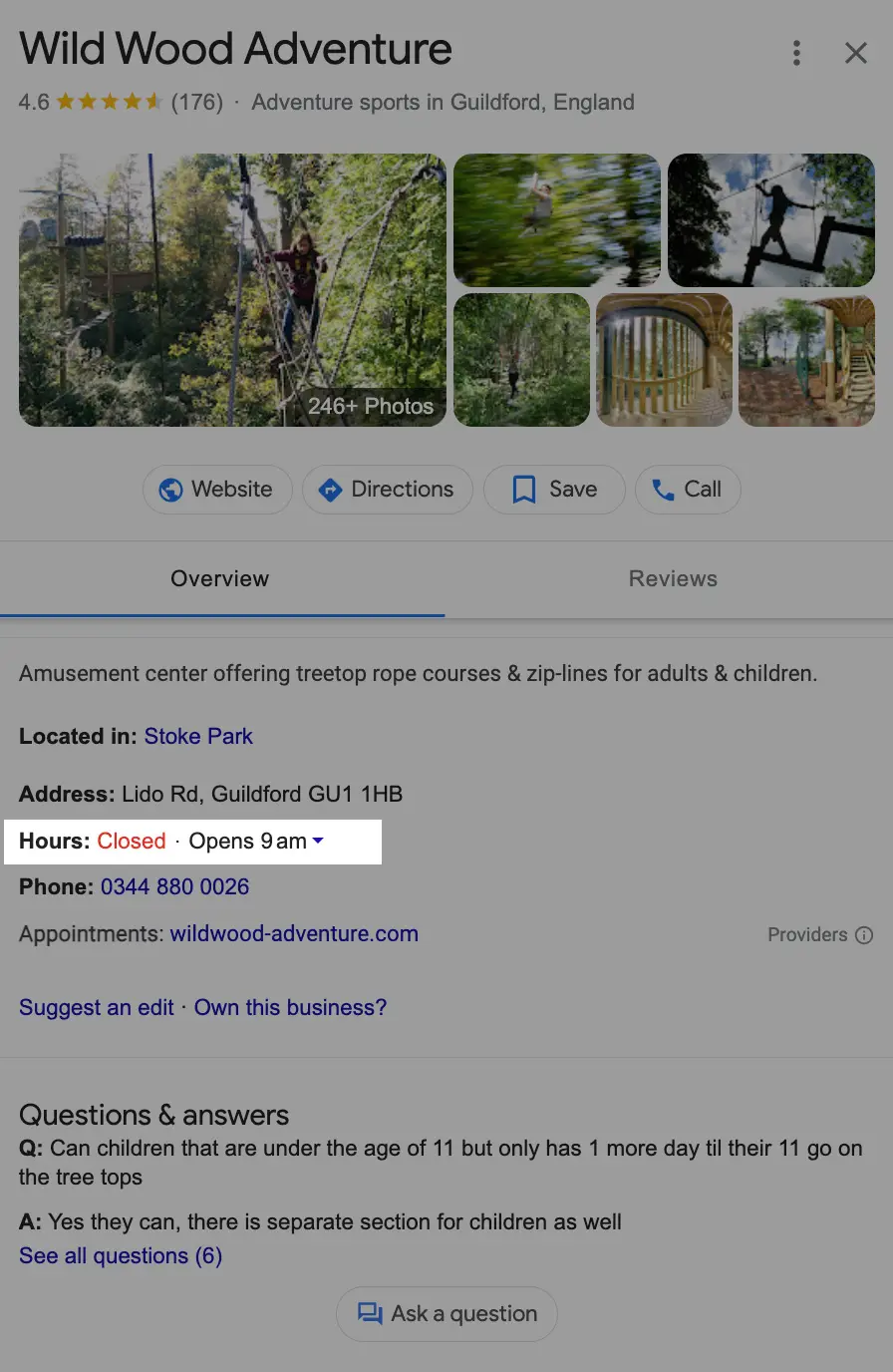

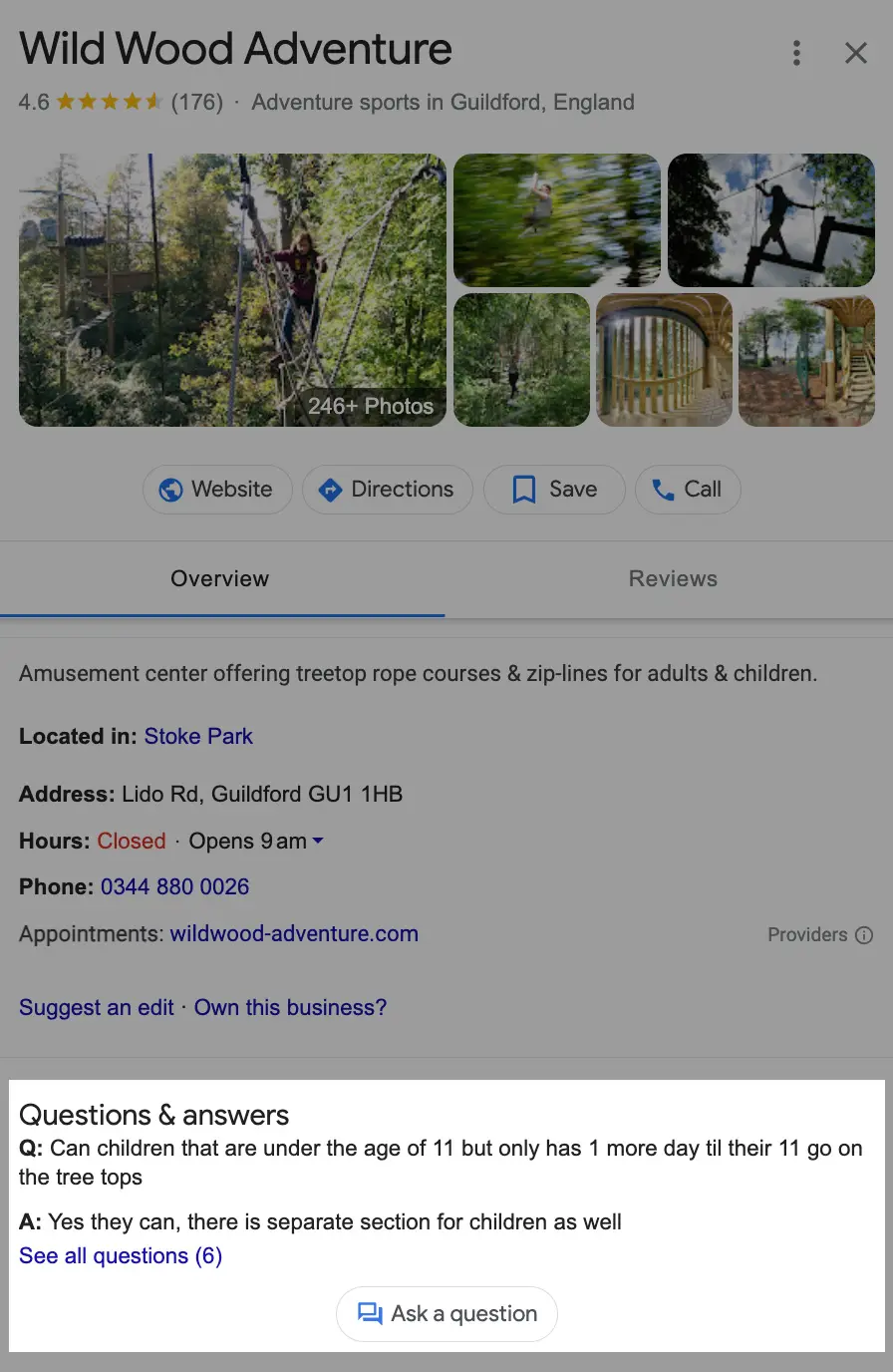
Keep it all accurate, too. If your hours change for Christmas or a bank holiday, update them. Nothing annoys a customer like a shut door when Google said you were open.
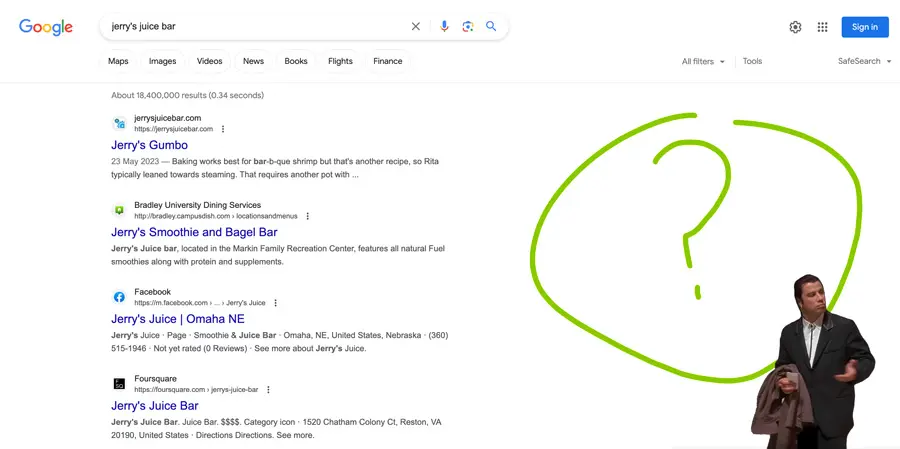
A quick note on questions and answers. Google has removed the Q&A feature, so a good place for those answers now is an FAQ on your own website. Our website design team can help with that.
Step 2: Add photos
People love a peek before they visit. Add your logo, a cover image and plenty of real photos of your shop, your team and your work. Then keep adding new ones now and then.
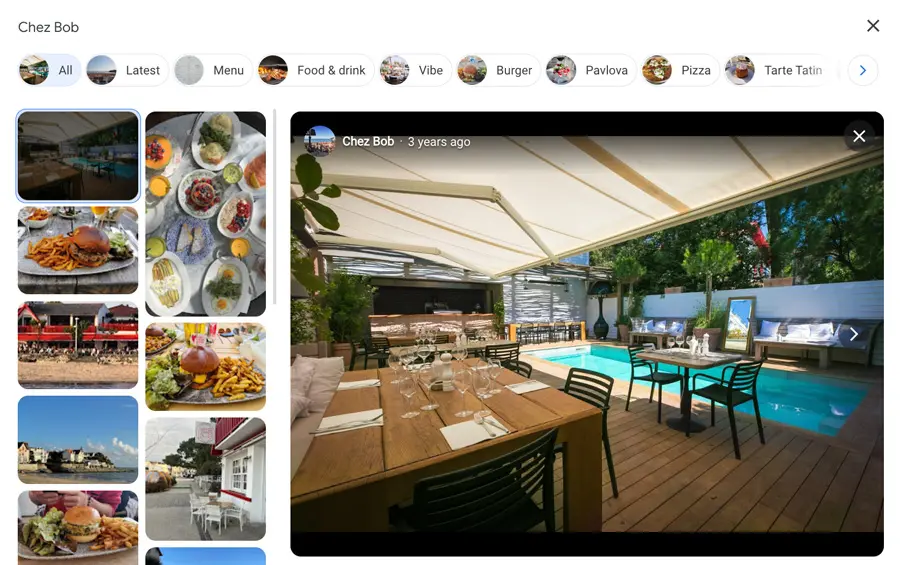
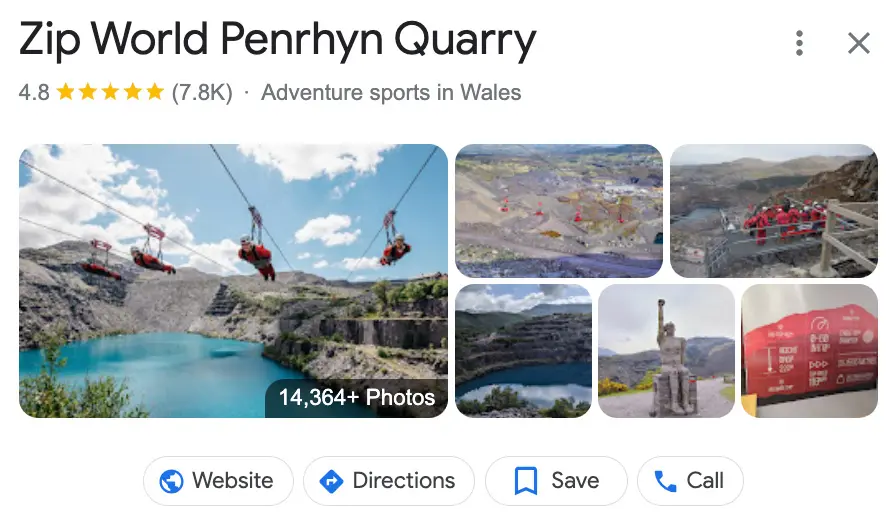
Two small tips. There’s no need to geotag your photos, and it’s best to avoid AI-generated images. Real pictures of your real business work best.
Step 3: Collect reviews, and reply to them
Reviews build trust fast. Aim for a steady trickle of them rather than a big batch all at once. Ask happy customers, and make it easy by sending them a direct link.
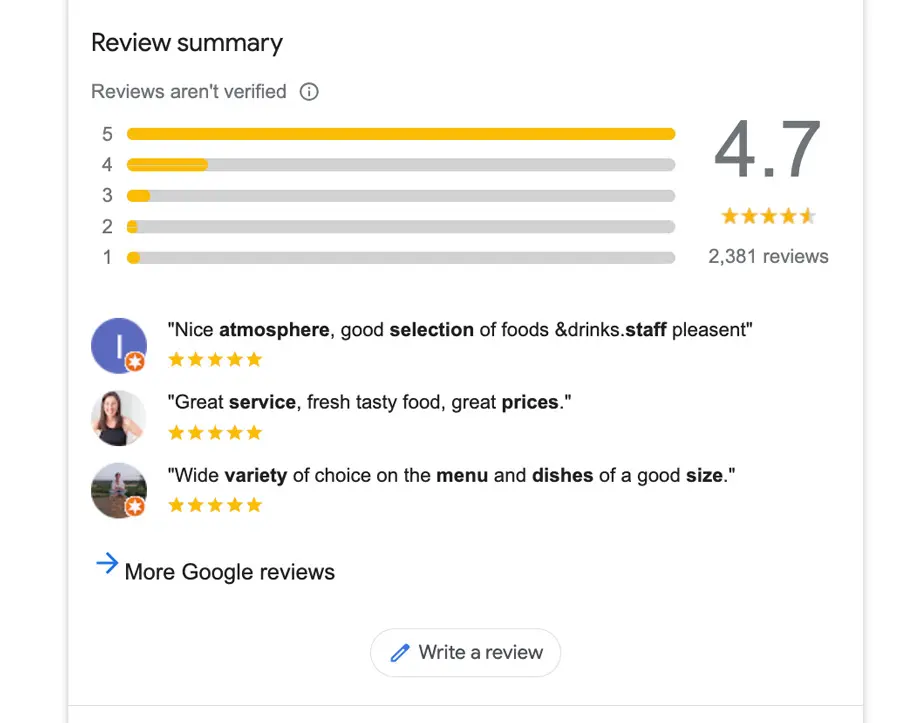
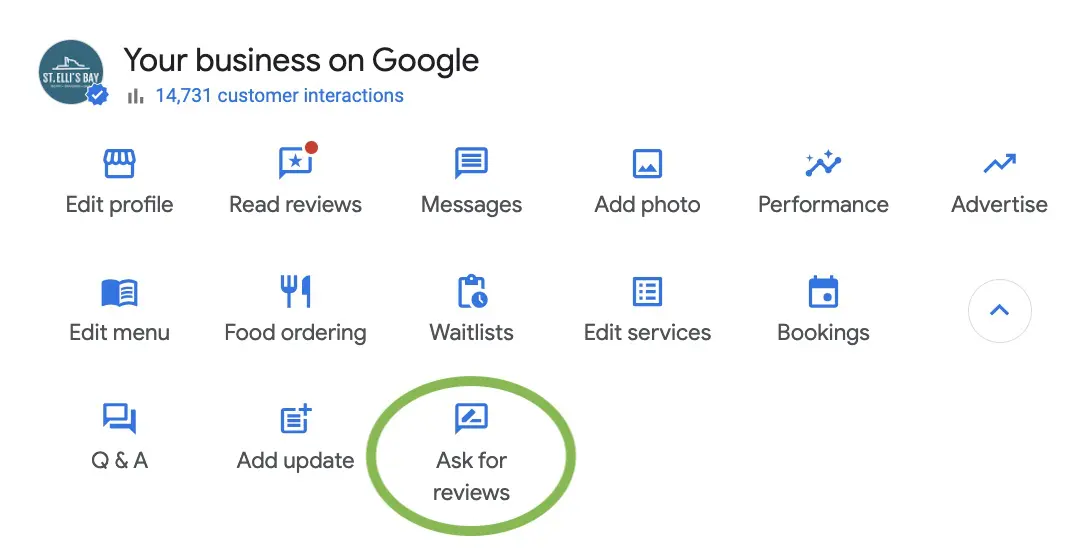
Reply to every review. A quick thank you for the good ones shows you care. For a not-so-good one, stay calm and polite, and show you’re keen to put things right. Other people read those replies too.
Step 4: Post regular updates
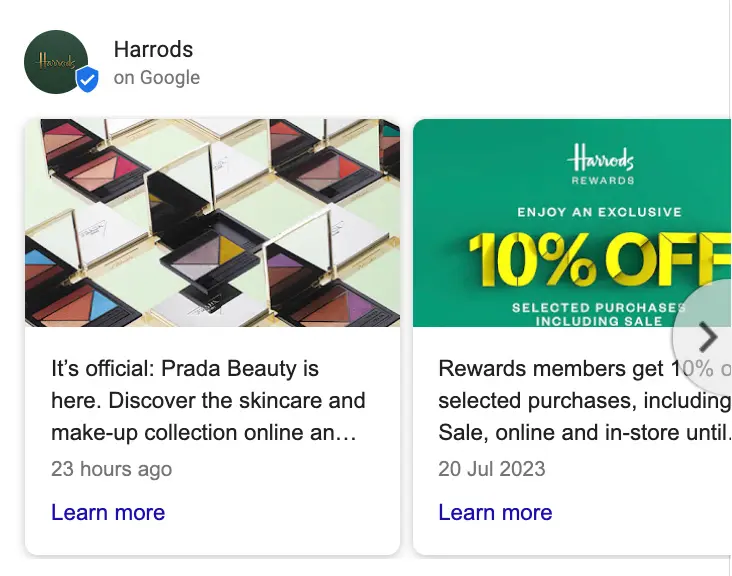
Your profile lets you share updates with customers. Use them for offers, events, new products or anything else people should know about. Little and often is better than a big flurry and then silence.
Step 5: Check how you’re doing
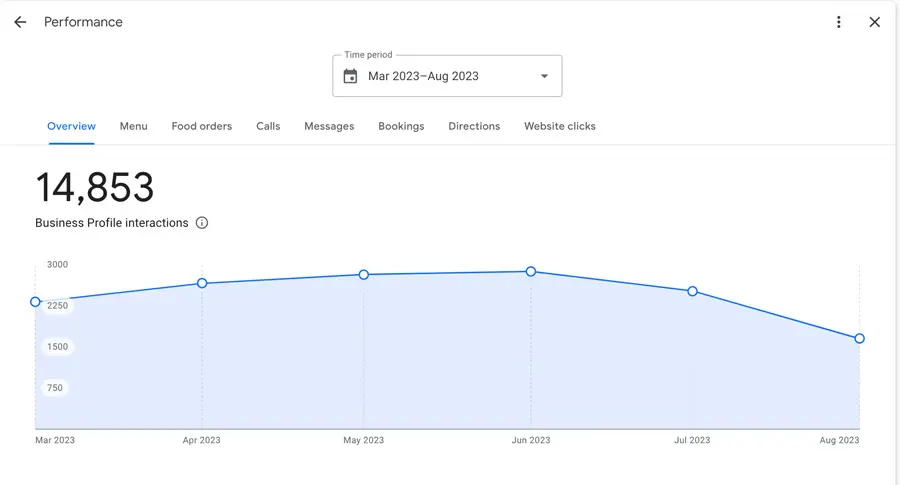
Once a month, take a look at your profile’s insights. You’ll see how people found you and what they did next, whether that was calling, asking for directions or visiting your website.
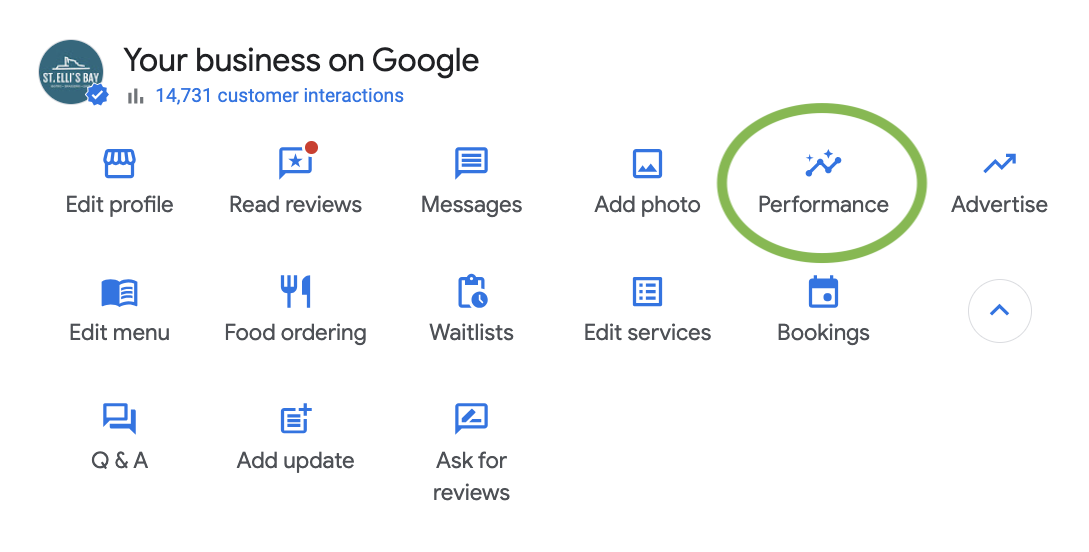
It’s also a good moment to check everything is still correct.
Bonus: your website matters too
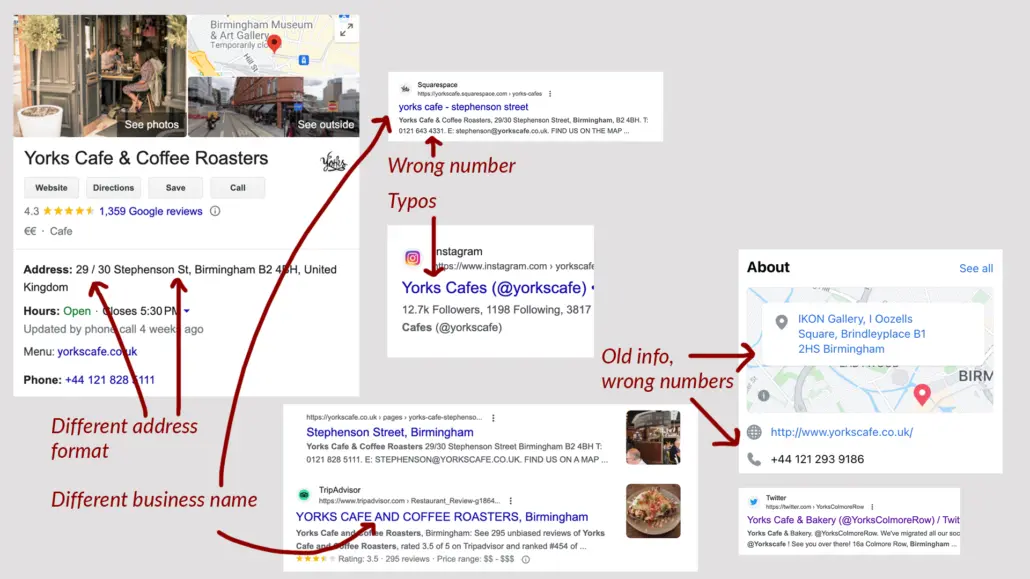
Your website helps your local ranking as well, so good SEO on your site gives your profile a boost. Keep your business name, address and phone number the same everywhere you appear online. Google, and the new AI search tools, like it when everything matches.
Want to read more? Our earlier post on Google Business Profile as a free tool has plenty of extra tips.
Need a hand?
Not sure how your website and profile are doing? Our team can take a look with a free SEO audit, and we can help you get found in York.
Pop in by appointment at our studio on Blake Street, give us a call on 01904 501 524, or get in touch online.